
Vibrating Screen Excitation Frequency Analysis: The Operational Guide for Reliability Engineers
Feb 2, 2026
vibrating screen excitation frequency analysis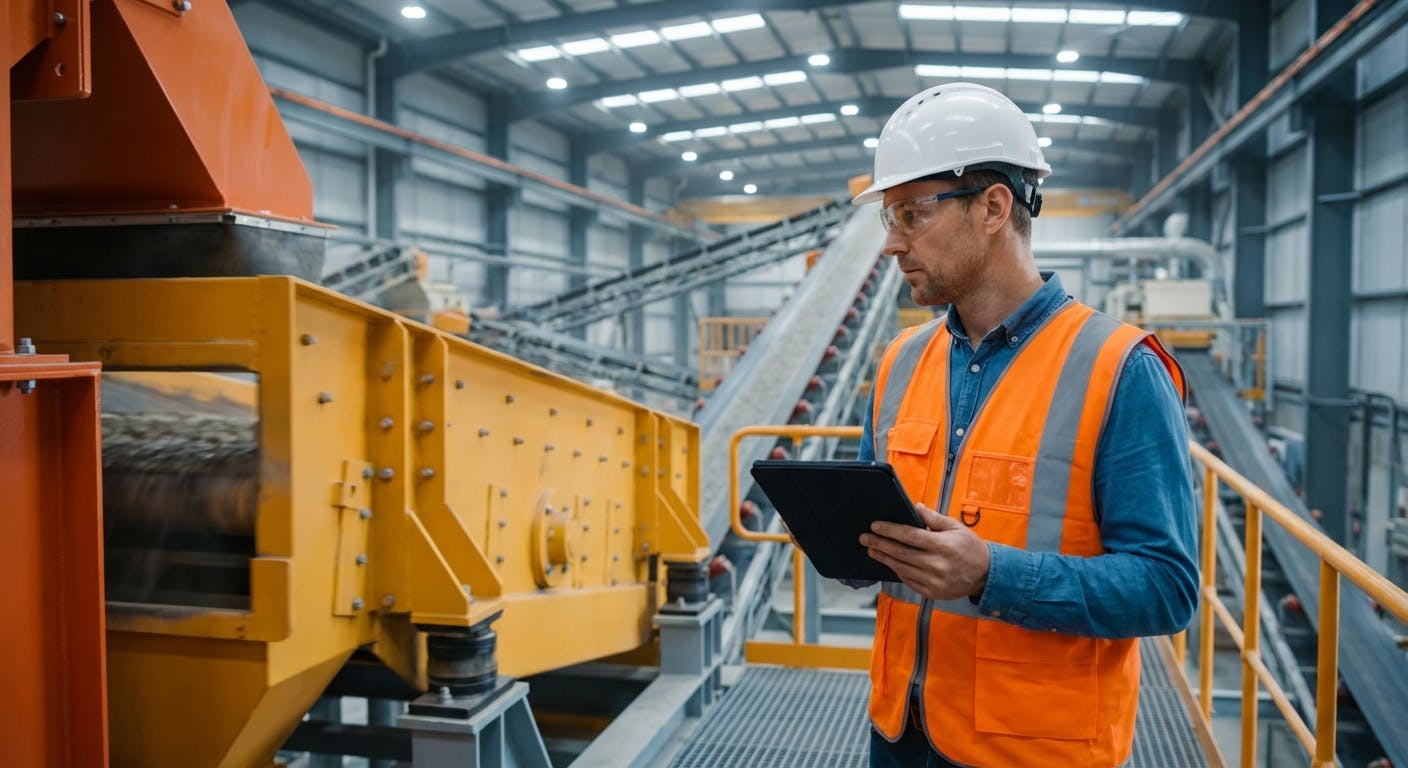
If you are reading this, you likely have a vibrating screen that is either underperforming, cracking its side plates, or eating through bearings at an alarming rate. Or, perhaps you are a reliability engineer tasked with optimizing throughput and realizing that the "set it and forget it" approach to shaker screens is costing your facility thousands in downtime.
The core question you are likely asking is: "Is my vibrating screen operating at the correct frequency to separate material efficiently without destroying itself, and how do I prove it?"
The answer lies in Excitation Frequency Analysis.
In simple terms, excitation frequency analysis is the process of measuring the forced vibration (the drive speed) of your screen and comparing it against the natural frequency of the screen’s structure. The goal is to ensure you are operating in a safe zone—typically 3 to 5 times the natural frequency of the isolation springs, but significantly far away (at least 20%) from the natural frequency of the screen body (basket) to avoid resonance.
If your excitation frequency matches a natural frequency of the steel structure, you enter a state of resonance. In this state, energy is not dissipated; it amplifies. The result? Catastrophic structural failure, often within hours or days.
This guide moves beyond the academic theory. We are going to look at how to perform this analysis in the field, what the data actually means for your maintenance strategy, and how to use it to drive reliability in 2026.
The Physics: Natural Frequency vs. Excitation Frequency
To troubleshoot a screen, you must distinguish between the two types of frequencies at play.
1. Excitation Frequency (Forced Vibration)
This is the input frequency. It is determined by the rotational speed of your eccentric shaft or vibrator motors.
- Measurement: RPM or Hz.
- Control: You control this via the VFD (Variable Frequency Drive) or sheave sizing.
- Typical Range: 700 to 1200 RPM (11.6 to 20 Hz) for most sizing screens; higher for dewatering.
2. Natural Frequency (Eigenfrequency)
This is the frequency at which the screen structure wants to vibrate naturally if you were to hit it with a hammer (a "bump test"). Every beam, side plate, and deck has a natural frequency.
- Measurement: Hz or CPM (Cycles Per Minute).
- Control: You generally cannot change this without physical modification (adding stiffeners, changing mass).
- The Danger Zone: If Excitation Frequency = Natural Frequency, you get Resonance.
The "Health Check" Angle
Think of excitation frequency analysis as an EKG for your equipment. You aren't just checking if the heart is beating (is the motor running?); you are checking the rhythm and the electrical signals to ensure the heart isn't about to go into cardiac arrest.
How do I perform the analysis in the field?
You cannot perform this analysis with a simple vibration pen that gives you a single overall number. You need spectral analysis capabilities.
Step 1: The Bump Test (Impact Testing)
Before the machine is running, you need to find the natural frequencies.
- Setup: Place tri-axial accelerometers on the screen body (corners and center).
- Excitation: Strike the screen structure with a calibrated impact hammer or a heavy block of wood.
- Analysis: The FFT (Fast Fourier Transform) spectrum will show peaks. These peaks are the natural frequencies.
- Goal: Identify the first, second, and third modes of vibration.
Step 2: The Run-Up / Coast-Down Test
This is critical for identifying resonance zones that the screen passes through during startup and shutdown.
- Start the machine: Record vibration data continuously from 0 RPM to full operating speed.
- Observe the Bode Plot: Look for massive spikes in amplitude at specific RPMs.
- Insight: If your screen shakes violently during shutdown, it is likely lingering in a resonance zone. This transient stress causes fatigue cracks over time.
Step 3: Steady-State Operation Analysis
Once the machine is at full speed, you analyze the operating parameters.
- FFT Spectrum: You should see a dominant peak at 1X running speed. If you see high amplitude peaks at non-synchronous frequencies, you may have loose components or structural looseness.
- Orbit Analysis: This plots the motion of the screen. A healthy inclined screen usually has a circular or slightly elliptical orbit. If the orbit looks like a figure-eight or a flat line, your springs may be failed, or your drive synchronization is off.
For modern facilities, integrating this data into asset management systems allows you to track these spectral changes over the life of the equipment, rather than just seeing a snapshot in time.
What are the benchmarks? (The Numbers You Need)
Reliability engineers often ask, "What is 'good'?" While every manufacturer (Metso, Sandvik, Haver & Boecker, etc.) has specific specs, here are the general industry rules of thumb for a healthy screen in 2026.
1. The Resonance Buffer
Your operating speed (Excitation) must be at least 20% away from the screen's natural frequency.
- Example: If the screen's natural frequency is 900 CPM, do not operate between 720 CPM and 1080 CPM.
- Ideally: Operate below the first natural frequency (sub-resonant) or well above it (super-resonant). Most large mining screens operate super-resonant.
2. G-Force Acceleration
This measures the intensity of the vibration.
- Sizing Screens: 3.0g to 5.0g.
- Dewatering/Fine Screens: 5.0g to 7.0g.
- Danger Zone: Consistently running above 7.5g on a standard screen will drastically shorten the fatigue life of the steel.
3. Stroke Amplitude
- Coarse Material: 10mm - 12mm (requires lower frequency).
- Fine Material: 5mm - 8mm (allows higher frequency).
- Consistency: The stroke amplitude should be consistent across all four corners. A variance of >10% indicates twisting (racking) of the screen body.
4. Phase Angle
For dual-shaft screens, synchronization is key.
- The shafts should operate in perfect phase (usually counter-rotating).
- Phase difference should be stable. If it drifts, your timing gears or synchronization belts are wearing.
How does this actually work in practice? (Troubleshooting Scenarios)
Let's look at three common scenarios where frequency analysis solves the problem.
Scenario A: The "Self-Destructing" Screen
Symptom: You are welding cracks on the cross-members every two weeks. Analysis: You perform a bump test and find a natural frequency at 14.8 Hz. You check the drive speed, and it's set to 890 RPM (14.83 Hz). The Problem: You are running exactly at resonance. The Fix: You cannot easily change the steel (natural frequency), so you change the excitation. You adjust the sheaves to run the screen at 800 RPM or 1000 RPM (consulting the manufacturer to ensure process throughput). The cracking stops immediately.
Scenario B: The "Blind" Screen
Symptom: Material is plugging the holes (blinding), and production is down. Analysis: You check the G-force. It reads 2.5g. The Problem: The excitation frequency or stroke is too low to eject the particles from the aperture. The Fix: You increase the counterweights on the eccentric shaft to increase stroke, or increase RPM (if safe) to boost G-force to 4.5g.
Scenario C: The "Wobbly" Screen
Symptom: The screen feels like it's lurching side-to-side. Analysis: Tri-axial accelerometer data shows high amplitude in the Transverse (axial) direction. Ideally, a screen should only move Vertical and Longitudinal. The Problem: This is "racking." It usually means one isolation spring is broken or softer than the others, or the feed is unevenly distributed, changing the mass center. The Fix: Replace the springs in sets (never just one) and check the feed chute alignment.
For deeper insights into bearing-related issues on shaker screens, reviewing predictive maintenance for bearings is essential, as screen bearings operate under uniquely harsh loads.
What are the common mistakes to avoid?
1. Ignoring the "Loaded" vs. "Unloaded" State
A common error is performing frequency analysis on an empty screen and assuming it applies when running full.
- Mass Effect: Adding 5 tons of rock to the deck adds mass.
- Physics: $Frequency = \sqrt{Stiffness / Mass}$.
- Result: As mass increases, natural frequency decreases. A screen that is safe when empty might shift its natural frequency down right into your operating speed when loaded. Always analyze under load.
2. Measuring Only One Point
Measuring only near the drive gives you limited data. You must measure the discharge end. The discharge end often sees the most erratic motion ("whipping") if the screen body is not stiff enough.
3. Confusing Isolation Frequency with Structural Frequency
- Isolation Frequency: The bounce of the screen on its springs (usually low, ~150-200 CPM).
- Structural Frequency: The vibration of the steel side plates (high, ~800+ CPM).
- You want your operating speed to be 3x-5x the Isolation frequency, but nowhere near the Structural frequency.
How do I get started with continuous monitoring?
In the past, this analysis was a quarterly service performed by a consultant. In 2026, the standard is continuous monitoring.
The Sensor Setup
You cannot rely on standard 4-20mA sensors that only give RMS velocity. You need:
- Wireless Tri-axial Vibration Sensors: Mounted on the four corners of the basket.
- High Sampling Rate: Capable of capturing waveform data, not just trend lines.
- Edge Processing: The ability to perform FFT on the sensor or gateway to detect resonance shifts immediately.
The ROI Calculation
Implementing continuous excitation frequency analysis costs money. Here is how to justify it:
- Downtime Avoidance: Calculate the cost of 8 hours of unscheduled downtime due to a cracked side plate.
- Screen Media Life: Running at optimal G-force prevents premature wear of screen panels.
- Energy Efficiency: Running at resonance consumes excess energy.
Using AI predictive maintenance tools can automate this detection. The AI learns the normal "hum" of the screen and alerts you specifically when the spectral signature shifts toward a known natural frequency peak.
Advanced Topic: Operational Modal Analysis (OMA)
For those ready to go deeper, Operational Modal Analysis (OMA) is the gold standard.
Unlike a bump test (Experimental Modal Analysis), which requires stopping the machine, OMA uses the vibration of the machine during operation to determine modal parameters.
- Why use it? It accounts for the actual boundary conditions (load, temperature, stiffening due to motion) that a static bump test misses.
- How it works: It requires simultaneous data acquisition from multiple sensors and advanced software to visualize the "shape" of the vibration (bending modes, torsional modes).
- The Benefit: It can tell you, "Your screen isn't just vibrating too much; it is twisting in the center because the cross-members have lost stiffness."
Troubleshooting Checklist: When to Analyze?
You don't need to do a full modal analysis every day. Use this trigger-based approach:
- Commissioning: ALWAYS perform a bump test and run-up test on a new or rebuilt screen.
- Media Change: If you switch from wire cloth to polyurethane (changing the mass), re-check the frequencies.
- Structural Repair: If you weld a crack or add stiffeners, you have changed the stiffness. You must re-validate that you haven't shifted the natural frequency into the operating zone.
- Process Change: If you increase the feed rate significantly.
For routine checks, incorporate a simplified vibration check into your PM procedures.
Conclusion: Moving from Reaction to Precision
Vibrating screen excitation frequency analysis is the difference between a screen that lasts 10 years and one that lasts 10 months.
It is not magic; it is physics. By respecting the relationship between excitation force and natural frequency, you ensure that the energy you pay for goes into separating material, not tearing apart steel.
The key takeaways:
- Know your numbers: Operating RPM vs. Natural Frequency.
- Keep a 20% buffer zone to avoid resonance.
- Analyze under load, not just empty.
- Monitor stroke consistency to catch racking early.
If you are ready to stop welding cracks and start optimizing throughput, it is time to invest in the sensors and software that make this analysis visible.
Ready to modernize your maintenance strategy? Explore how Predictive Maintenance can automatically track these vibration metrics and alert you before resonance leads to failure.
