
Beyond Bearings: A Reliability Engineer’s Guide to Vibrating Screen Monitoring in Mineral Processing
Feb 2, 2026
vibrating screen monitoring for mineral processing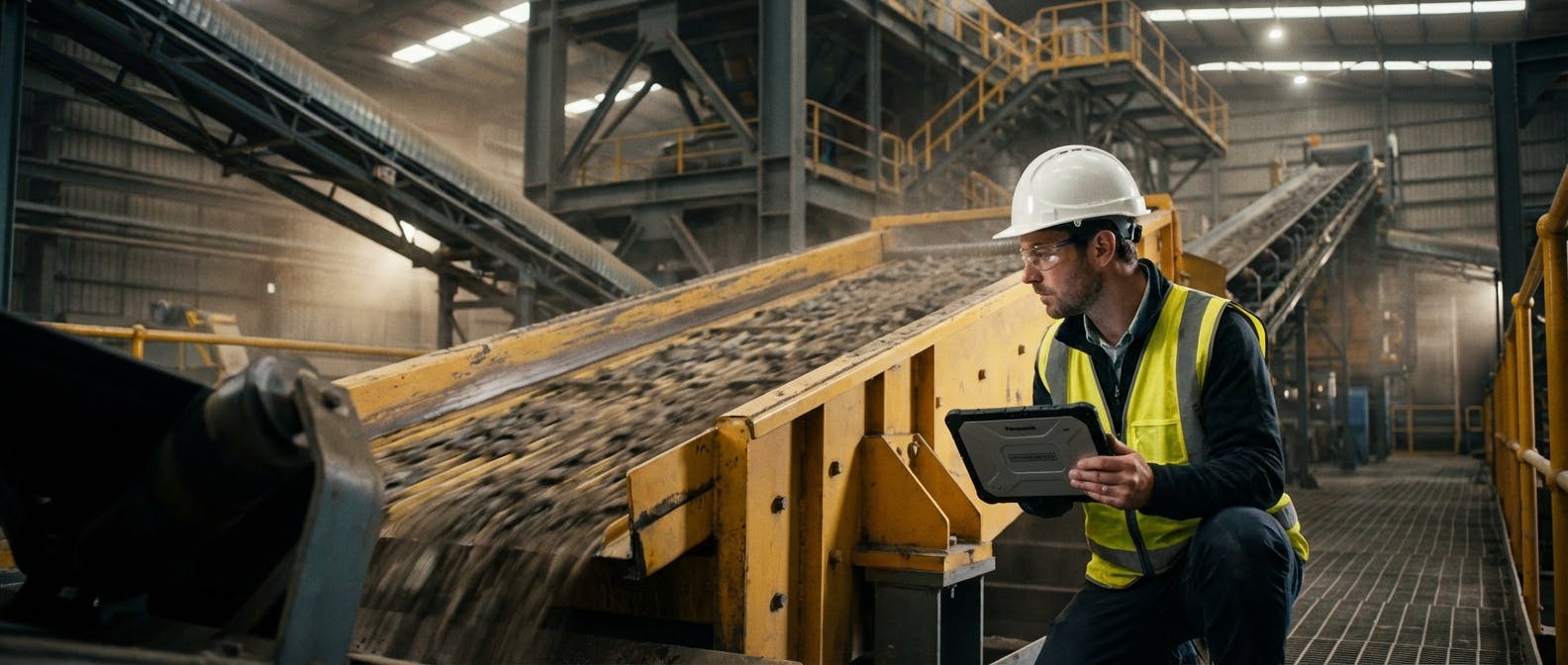
In the ecosystem of a mineral processing plant, the vibrating screen is the heartbeat. Crushers break the rock, and conveyors move it, but the screen determines the final product's quality and the plant's throughput. If the screen bottlenecks, the entire circuit chokes.
Yet, for decades, monitoring these assets has been notoriously difficult. They are designed to destroy themselves. They operate under high G-forces, constant impact, and abrasive conditions. Traditional vibration analysis—often optimized for rotating equipment like pumps and motors—frequently fails to capture the unique failure modes of a vibrating screen.
You are likely here because you are facing a specific dilemma: How do I predict catastrophic structural failures or process inefficiencies in vibrating screens without relying on dangerous manual inspections or generic vibration data that doesn't tell the whole story?
This guide moves beyond basic bearing monitoring. We will explore the physics of screen motion, the critical parameters of stroke and orbit, and how modern AI-driven systems are turning vibrating screens into transparent, predictable assets in 2026.
The Core Question: Why is Standard Vibration Monitoring Insufficient for Screens?
To understand how to monitor a screen, you must first acknowledge that it behaves differently than 90% of the assets in your facility.
With a centrifugal pump or an electric motor, the goal of vibration monitoring is generally to detect deviation from smoothness. You want the machine to be still. Vibration is the enemy.
With a vibrating screen, vibration is the function.
The machine is engineered to undergo violent accelerations (often 3G to 7G). Therefore, a standard "overall vibration" reading (velocity in mm/s) is often useless. A reading that would indicate imminent explosion in a compressor might be perfectly normal for a sizing screen.
The challenge isn't detecting vibration; it is detecting the wrong kind of vibration.
The Three Axes of Failure
Standard monitoring often looks at a single axis. However, screens fail because of complex spatial issues:
- Longitudinal Motion: The flow of material.
- Vertical Motion: The stratification of material.
- Lateral Motion: The "wobble" that cracks side plates and beams.
If you are only monitoring the bearings, you are missing the structural health of the basket. You might save a $500 bearing but lose a $50,000 body structure because you missed the lateral motion caused by uneven spring stiffness.
The Solution: Effective monitoring requires tri-axial data that analyzes the shape of the motion (orbits), not just the intensity.
Follow-Up: What Specific Parameters Should I Be Monitoring?
Once we accept that simple velocity readings are insufficient, the natural next question is: What data points actually correlate with screen health?
In 2026, reliability engineers focus on five critical health indicators for vibrating screens.
1. Stroke and Amplitude Consistency
The stroke is the total distance the screen travels during one cycle. For a standard inclined circular motion screen, this might be 10-12mm.
- The Risk: If the stroke drops, stratification fails, and carryover increases (lost yield). If the stroke is too high, structural stress exceeds the fatigue limit of the steel.
- The Monitoring Strategy: You need sensors on all four corners. The stroke amplitude must be consistent across the feed and discharge ends (or follow the OEM's design gradient). A deviation of >10% between left and right sides indicates twisting.
2. Orbit Shape Analysis
This is the "MRI" of screen diagnostics. By plotting vertical vs. horizontal motion, we generate an orbit.
- Circular Motion Screens: Should show a perfect circle. An oval or flattened circle indicates loose V-belts, weak springs, or drive synchronization issues.
- Linear Motion Screens: Should show a tight diagonal line. If the line "opens up" into an ellipse, the counter-rotating weights are out of sync, or the mechanism is failing.
3. Lateral Motion (The Silent Killer)
This is the most overlooked parameter. Screens are designed to move forward and up/down. They are not designed to move side-to-side.
- The Threshold: Generally, lateral motion should be less than 25% of the stroke, or specifically under 2mm depending on the screen size.
- The Cause: Uneven loading (feeding only the left side), broken springs on one corner, or loose foundation bolts.
- The Consequence: Lateral motion causes "racking." This snaps cross-members and cracks side plates.
4. Phase Angle and Synchronization
For large linear motion screens driven by dual exciters, the exciters must run in perfect opposition.
- The Metric: We measure the phase difference. It should be locked.
- The Drift: If the phase angle starts to drift, the gears inside the exciters may be wearing, or the drive belts are slipping unevenly. This leads to "hunting," where the screen surges and slows, destroying efficiency.
5. Critical Speed Transition (The "Stop/Start" shudder)
Screens pass through their natural frequency (resonance) during startup and shutdown. This creates a moment of chaotic, high-amplitude shaking.
- The Insight: Monitoring how long the screen stays in this "danger zone" is vital. If the braking system is failing and the screen lingers in resonance for 30 seconds during shutdown, the cumulative fatigue damage is massive.
Follow-Up: How Do We Capture This Data Without Stopping the Machine?
You know what to measure. Now, how do you measure it in a wet, dusty, vibrating environment?
In the past, this required a reliability technician to walk onto the catwalk with a strobe light and a vibration analyzer—a high-risk activity often restricted by safety protocols. Today, the standard is permanent, wireless instrumentation.
The Hardware: Tri-Axial Wireless Sensors
Modern asset management strategies rely on ruggedized IoT sensors. For screens, the sensor requirements are specific:
- High G-Range: Standard sensors clip at 16g. Screen sensors often need to handle +/- 50g or 100g to capture impacts without signal saturation.
- Battery Life vs. Data Density: Because screens require waveform data (to build orbits), not just scalar numbers, data transmission is heavy. Modern sensors use "edge processing"—calculating the orbit health on the sensor and only sending the result—to preserve battery life.
Sensor Placement Strategy
To build a "Digital Twin" of the screen's motion, you cannot rely on a single sensor on the drive.
- Minimum Setup: One sensor on each of the four corners (Feed Left, Feed Right, Discharge Left, Discharge Right).
- Ideal Setup: Four corners + one on the exciter/drive mechanism.
This setup allows the software to compare Left vs. Right (detecting twist) and Feed vs. Discharge (detecting stroke gradient).
Follow-Up: How Do I Interpret the Data? (The "Digital Twin" Approach)
Collecting data is easy; interpreting it is where reliability programs fail. How do you visualize the health of a machine that is shaking 900 times a minute?
Motion Amplification and ODS
One of the most powerful tools in the modern reliability stack is Operating Deflection Shape (ODS) visualization. By combining the data from the four corner sensors, software can create a wireframe animation of the screen in real-time.
- The Visualization: You see a 3D model of the screen on your dashboard.
- The Insight: You can visually see the discharge end twisting relative to the feed end. You don't need to be a vibration analyst to understand that the frame is twisting.
AI and Anomaly Detection
This is where AI predictive maintenance comes into play. Because screen loads vary (empty vs. fully loaded), setting static alarm thresholds is difficult.
- Baseline Creation: The AI learns the screen's behavior under different load conditions over 30 days.
- Contextual Alerts: It knows that high vibration during startup is normal (resonance), but high lateral vibration during steady-state operation is an alarm.
- Blinding Detection: As screen media blinds (clogs), the mass of the screen effectively increases, and the amplitude often decreases while the frequency remains constant. AI algorithms can detect this subtle shift in the mass/stiffness ratio and alert operations to clean the screen before carryover occurs.
For a deeper dive on how algorithms handle this data, refer to standards like ISO 10816-3, though note that specific standards for vibrating screens are often OEM-specific or covered under different specialized guidelines compared to standard rotating equipment.
Follow-Up: How Does This Integrate with Maintenance Workflows?
Data without action is just overhead. The most sophisticated monitoring system fails if it doesn't trigger a wrench turning.
The P-F Curve for Screens
The goal is to move up the P-F curve (Potential Failure to Functional Failure).
- Early Warning (Months out): Orbit shape changes slightly. Action: Schedule inspection of springs/buffers during next planned outage.
- Mid-Stage (Weeks out): Lateral motion increases above 2mm. Action: Check foundation bolts and side plate torque.
- Late Stage (Days out): Audible noise, bearing frequencies appear in spectrum. Action: Emergency work order.
Automating the Response
Integration with equipment maintenance software is critical.
- Scenario: The monitoring system detects a 15% deviation in stroke between the left and right discharge.
- Automated Workflow:
- The sensor triggers an API call.
- The CMMS generates a high-priority Work Order: "Inspect Discharge Springs for breakage/softening."
- The system checks inventory management to ensure replacement springs are in stock.
- The Maintenance Planner receives a notification to slot this into the next downtime window.
This automation removes the "I forgot to check the dashboard" error. The machine calls for its own help.
Follow-Up: What are the Common Pitfalls to Avoid?
Implementing a monitoring program for screens is fraught with specific challenges.
1. Ignoring the Isolation Frame
The screen sits on springs, which sit on a sub-frame. If the sub-frame is vibrating, your screen data is corrupted.
- The Fix: Occasionally place a sensor on the static support structure. If it's vibrating, you have structural resonance or loose mounting, not necessarily a screen fault.
2. Cable Management Failures
If you use wired accelerometers, the cables will fail. The constant motion fatigues copper rapidly.
- The Fix: Use wireless sensors wherever possible. If wired is necessary for high-frequency sampling, use specialized high-flex cables and secure them with extreme care, leaving "service loops" to absorb the motion.
3. Confusing Process Issues with Mechanical Issues
A screen that is overloaded with mud will show dampened amplitude. A mechanic might think the drive belt is slipping.
- The Fix: Correlate vibration data with motor amperage. High Amps + Low Amplitude = Overloaded/Blinded. Low Amps + Low Amplitude = Belt Slip/Drive Issue.
Follow-Up: What is the ROI? (The Business Case)
When pitching this to plant leadership, you cannot talk about "spectral density." You must talk about yield and availability.
1. Preventing Structural Total Loss
A side plate crack, if caught early, is a weld repair (4 hours downtime, $500 labor). If missed, the plate snaps, the basket racks, and the cross-members shear.
- Cost: Replacement of screen body ($150,000+) + 3 days of crane work and downtime.
- ROI: One catch pays for the monitoring system for the entire plant.
2. Media Optimization
Screening media (panels) is expensive. Operators often change them on a fixed schedule (e.g., every 4 weeks).
- The Opportunity: By monitoring the "blinding" signature, you might find you can run 5 weeks. Or, you might find you are running with holes in the media (detected by a sudden drop in loading impact noise).
- ROI: Extending media life by 20% reduces consumable spend significantly.
3. Yield Protection
If a screen operates at 8mm stroke instead of the designed 10mm, stratification is poor. Valuable mineral carries over into the waste stream or the oversize crusher circuit (re-circulating load).
- ROI: Improving screening efficiency by 2% can result in thousands of tons of additional product per year.
For more on calculating these metrics, see resources from Reliabilityweb regarding asset life cycle costing.
Conclusion: The Future is Prescriptive
The era of the "screen whisperer"—the old veteran who could touch the side plate and know the bearing was bad—is ending. As that generation retires, we must replace intuition with data.
Vibrating screen monitoring in mineral processing has evolved from simple vibration checks to complex motion analysis. By implementing a strategy that monitors stroke, orbit, and lateral motion, and integrating that data into your CMMS software, you transform the screen from a liability into a reliable, predictable asset.
The Checklist for Success:
- Equip screens with tri-axial wireless sensors on all four corners.
- Monitor for lateral motion and stroke consistency, not just bearing frequencies.
- Integrate the data with your work order system to automate response.
- Analyze trends to catch blinding and structural fatigue early.
Don't wait for the side plate to crack. Listen to the motion today.
