
What Are the Latest Software Tools Used for Fault Detection and Diagnosis? (The 2026 Landscape)
Feb 1, 2026
What are the latest software tools used for fault detection and diagnosis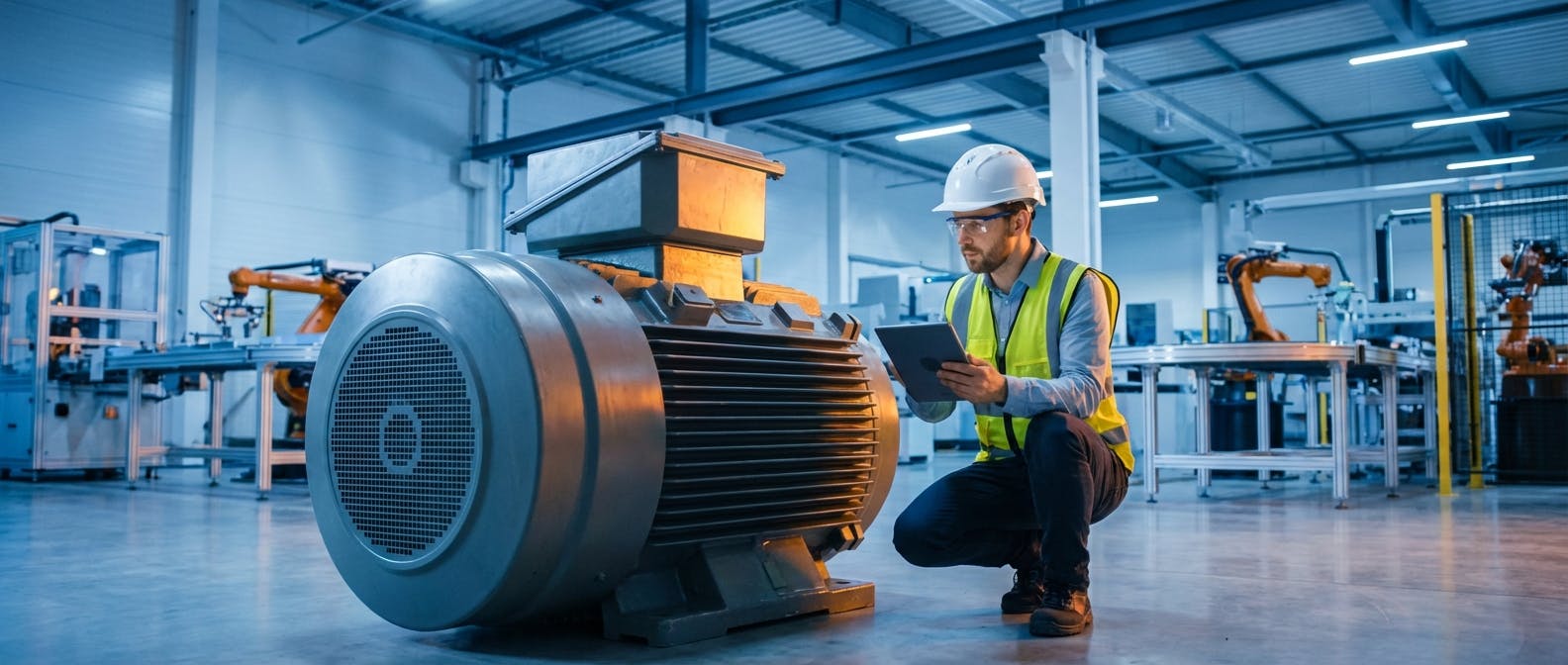
If you are a Reliability Engineer or Plant Manager in 2026, the question isn't whether you should use software for fault detection; it's how to navigate the overwhelming ecosystem of tools now available. You aren't just looking for a list of brand names. You are looking for a solution to a specific problem: How do I stop assets from failing unexpectedly without drowning my team in false alarms?
The landscape of fault detection and diagnosis (FDD) has shifted dramatically over the last five years. We have moved beyond simple threshold alarms (SCADA limits) and basic vibration analysis. The latest tools leverage Generative AI, edge computing, and prescriptive analytics to not only identify that a fault exists but to diagnose why it happened and tell you exactly what to do about it.
Here is the direct answer to your core question, followed by a deep dive into the specific technologies, workflows, and decision frameworks you need to implement them.
The Core Answer: The Three Tiers of Modern FDD Tools
In the current market, "software tools" for fault detection generally fall into three distinct tiers. The "latest" and most effective strategies involve integrating these tiers rather than buying a standalone app.
- Asset Performance Management (APM) Platforms: These are the heavy hitters (e.g., GE Vernova, AVEVA). They aggregate data from across the enterprise to provide a macro view of asset health. They are excellent for long-term strategy but can be cumbersome for real-time, shop-floor diagnostics.
- Specialized AI & IIoT Solutions (The "Prescriptive" Layer): This is where the most innovation is happening. Tools in this category focus on specific asset classes (rotating equipment, conveyors, electrical panels). They use machine learning models trained on millions of failure hours to detect anomalies that human analysts miss. This includes software that powers AI predictive maintenance.
- Connected Worker & CMMS Ecosystems: Detection is useless without action. The latest trend is FDD software that lives directly inside or deeply integrates with your Computerized Maintenance Management System (CMMS). This ensures that a fault detection event immediately triggers a work order.
Follow-Up Question: How do these tools actually work in practice?
It is easy to throw around buzzwords like "Machine Learning" and "Digital Twin," but for a maintenance planner, the mechanics matter. How does the software actually go from a spinning motor to a diagnostic report?
The modern FDD workflow operates on a four-stage pipeline. If a tool you are evaluating skips one of these steps, it is likely a legacy product disguised as a modern solution.
1. Data Ingestion (The Sensory System)
The software must ingest data. In 2026, this rarely means manual data entry. The latest tools connect directly to:
- Wireless IIoT Sensors: Tri-axial vibration, ultrasonic, and temperature sensors mounted on bearings and gearboxes.
- PLC/SCADA Historians: Pulling operational data like amperage, flow rate, and pressure.
- OEM Controllers: Direct feeds from the machine’s internal brain.
2. Signal Processing & Feature Extraction (The Translation)
Raw vibration data is just noise to a standard database. The software must process this at the "edge" (on the sensor or gateway) or in the cloud. It converts time-waveform data into frequency spectra (FFT) and extracts "features"—statistical markers like kurtosis, skewness, and crest factor.
3. Anomaly Detection & Diagnosis (The Brain)
This is where the "latest" tech shines.
- Anomaly Detection: The software builds a baseline of "normal" behavior for that specific asset under various load conditions. If the vibration spikes only when the RPM increases, the software knows that is normal. If it spikes while RPM is constant, that is an anomaly.
- Fault Diagnosis: This is the critical step. The software compares the anomaly against a library of known failure patterns.
- Example: A spike at 1x running speed usually indicates imbalance. A spike at a non-synchronous frequency often indicates a bearing defect.
- The 2026 Difference: Modern tools use "Prescriptive AI." They don't just say "High Vibration." They say, "85% confidence of Inner Race Bearing Defect on Drive End."
4. The Action Loop (The Hands)
Finally, the software pushes this insight to the maintenance team. This isn't just an email. It is a structured data packet sent to your work order software to generate a ticket with the recommended parts and tools attached.
Follow-Up Question: HVAC FDD vs. Industrial FDD – Which one do I need?
A common mistake is purchasing an FDD tool designed for Building Management Systems (BMS) and trying to apply it to industrial manufacturing assets, or vice versa. They are fundamentally different technologies.
Building/HVAC FDD
- Target Assets: Chillers, Air Handlers, VAV boxes, Boilers.
- Primary Metrics: Temperature deltas, airflow, valve positions, energy consumption.
- The Goal: Energy efficiency and occupant comfort.
- The Logic: Rule-based. (e.g., "If the cooling valve is 100% open but supply air temp is > 65°F, trigger an alarm.")
- Leading Standards: ASHRAE Guideline 36.
Industrial FDD (The Manufacturing Focus)
- Target Assets: Motors, pumps, compressors, conveyors, CNC machines.
- Primary Metrics: Vibration (acceleration/velocity), ultrasound, oil quality, motor current signature.
- The Goal: Uptime, reliability, and safety.
- The Logic: Stochastic and Probability-based. (e.g., "Vibration patterns suggest a Stage 2 bearing failure is developing; estimated 400 hours remaining life.")
If you are managing a production line, you need Industrial FDD. Using HVAC tools here will result in missed catastrophic failures because temperature changes are often a lagging indicator in industrial machinery. By the time a motor overheats, the bearing has likely already failed. You need vibration and ultrasound analysis for early warning.
For specific industrial applications, you should look for tools tailored to your assets, such as solutions designed for predictive maintenance on pumps or compressors.
Follow-Up Question: What are the specific "Next-Gen" features I should look for?
When evaluating software in 2026, do not settle for basic trending. Look for these advanced capabilities that separate legacy software from modern FDD tools.
1. Automated Root Cause Analysis (RCA)
Legacy tools tell you a machine is broken. Modern tools help you understand why. By correlating process data (like pressure or speed) with vibration data, the software can tell you, "The pump vibration spiked because of cavitation caused by low suction pressure," rather than just blaming the pump itself.
2. Transfer Learning
In the past, you had to train an AI model for months on a specific machine before it became useful. Today, the latest software uses Transfer Learning. It applies the knowledge gained from 10,000 similar motors across the world to your new motor. This allows for "Day One" value. You install the sensor, and the software already knows what a generic 50HP AC motor failure looks like.
3. Generative AI Interfaces
Instead of navigating complex dashboards, the newest tools allow you to query the data using natural language.
- User: "Show me all assets with a health score below 60% that are critical to Line 4."
- System: Displays the list and highlights a conveyor motor with a developing misalignment.
4. Integration with Inventory Management
The diagnosis is only half the battle. If the software detects a bearing fault, it should check your inventory management system to see if that bearing is in stock. If not, it should prompt a purchase request. This closes the gap between "knowing" and "fixing."
Follow-Up Question: What are the common mistakes to avoid during implementation?
We have seen hundreds of FDD implementations. The ones that fail usually fail for the same three reasons.
Mistake 1: The "Sensor Spam" Approach
Do not buy 500 sensors and slap them on everything. You will drown in data and alerts.
- The Fix: Start with an Asset Criticality Assessment (ACA). Identify the top 10% of assets that cause 80% of your downtime. Focus your FDD software there first.
Mistake 2: Ignoring the "Human in the Loop"
Software cannot replace a Level III vibration analyst completely. It can filter out 90% of the noise, but you still need a human to validate complex diagnoses.
- The Fix: Ensure your software allows for human feedback. If the AI says "Misalignment" but the mechanic finds a "Soft Foot," the mechanic should be able to input that feedback to retrain the model.
Mistake 3: Siloed Data
If your FDD software doesn't talk to your CMMS, you are creating a "swivel-chair" workflow where engineers have to manually copy data from one screen to another. This guarantees that alerts will be ignored.
- The Fix: Prioritize integrations. If the FDD tool doesn't have an open API or pre-built connectors to your maintenance system, do not buy it.
Follow-Up Question: What is the ROI and Cost Structure?
In 2026, the cost model for FDD software has shifted from heavy upfront capital expenditure (CapEx) to operational expenditure (OpEx) via SaaS models.
The Cost Structure
- Hardware: $200 - $500 per wireless sensor (one-time).
- Software: Usually priced per asset or per sensor, ranging from $10 to $50 per asset per month depending on the complexity of the analytics.
The ROI Calculation
To justify the investment, you need to calculate the Cost of Unplanned Downtime (CoUD).
- Scenario: A critical conveyor motor fails.
- Production loss: $5,000/hour x 4 hours = $20,000.
- Emergency labor (overtime): $1,000.
- Expedited parts shipping: $500.
- Total Event Cost: $21,500.
If an FDD solution costs $10,000/year for that line and prevents just one of these events, the ROI is over 200% in the first year.
Furthermore, FDD allows you to extend the life of assets. By catching predictive maintenance issues on bearings early (Stage 2 failure), you can schedule a replacement during a planned shutdown rather than running the machine to catastrophic failure (Stage 4), which often damages the shaft and housing, requiring a full motor replacement.
According to the U.S. Department of Energy, a functional predictive maintenance program can yield a 30-40% savings over reactive maintenance.
Follow-Up Question: How do I get started? (A Step-by-Step Framework)
If you are ready to move forward, do not try to boil the ocean. Follow this pilot framework.
Phase 1: The Pilot (Months 1-3)
- Select 5-10 Critical Assets: Choose "Bad Actors"—machines that fail frequently and cause pain. Good candidates are usually overhead conveyors or critical process pumps.
- Deploy Wireless Sensors: Install tri-axial vibration and temperature sensors.
- Establish Baselines: Let the software run for 2-4 weeks to learn the normal operating patterns.
Phase 2: Validation (Months 4-6)
- Wait for a Catch: When the system flags an anomaly, verify it with a handheld device or manual inspection.
- Track the "Save": Document exactly how much money was saved by catching this fault early. You will need this data to get budget approval for a full rollout.
Phase 3: Integration & Scale (Month 6+)
- Connect to CMMS: Automate the work order generation.
- Expand Scope: Roll out to Tier 2 criticality assets.
- Refine PM Procedures: Use the insights to update your PM procedures. If the data shows a filter lasts 6 months but you are changing it every 3 months, adjust the schedule.
Deep Dive: The Role of Digital Twins in FDD
You cannot discuss the "latest" tools without addressing Digital Twins. A Digital Twin is a virtual replica of a physical asset. In the context of FDD, it serves as a benchmark.
The software runs a simulation of the "perfect" asset alongside the real-time data from the physical asset. When the behavior of the physical asset diverges from the simulation (the "Twin"), a fault is detected.
Why this matters: Traditional FDD relies on historical data (comparing the machine to its past self). Digital Twin FDD relies on physics-based modeling (comparing the machine to its theoretical limit). This is particularly useful for new equipment where you have no historical failure data.
For complex systems, such as large-scale manufacturing plants, manufacturing AI software that utilizes Digital Twin technology provides the highest level of diagnostic accuracy available today.
Conclusion: The Future is Prescriptive
The question "What are the latest software tools used for fault detection and diagnosis?" ultimately leads to a shift in philosophy. The tool is no longer just a gauge that points to "Red" or "Green." It is a consultant.
The best tools in 2026 are those that move you from Descriptive (What happened?) to Predictive (What will happen?) and finally to Prescriptive (How do we solve it?).
As you evaluate tools, look for the ones that close the loop. Detection is cheap; diagnosis is valuable; but action is what keeps the plant running. Choose software that seamlessly connects the sensor on the floor to the technician in the field.
