
Computer Vision Maintenance: Moving Beyond "Smart Cameras" to the Always-On Super-Technician
Feb 13, 2026
computer vision maintenance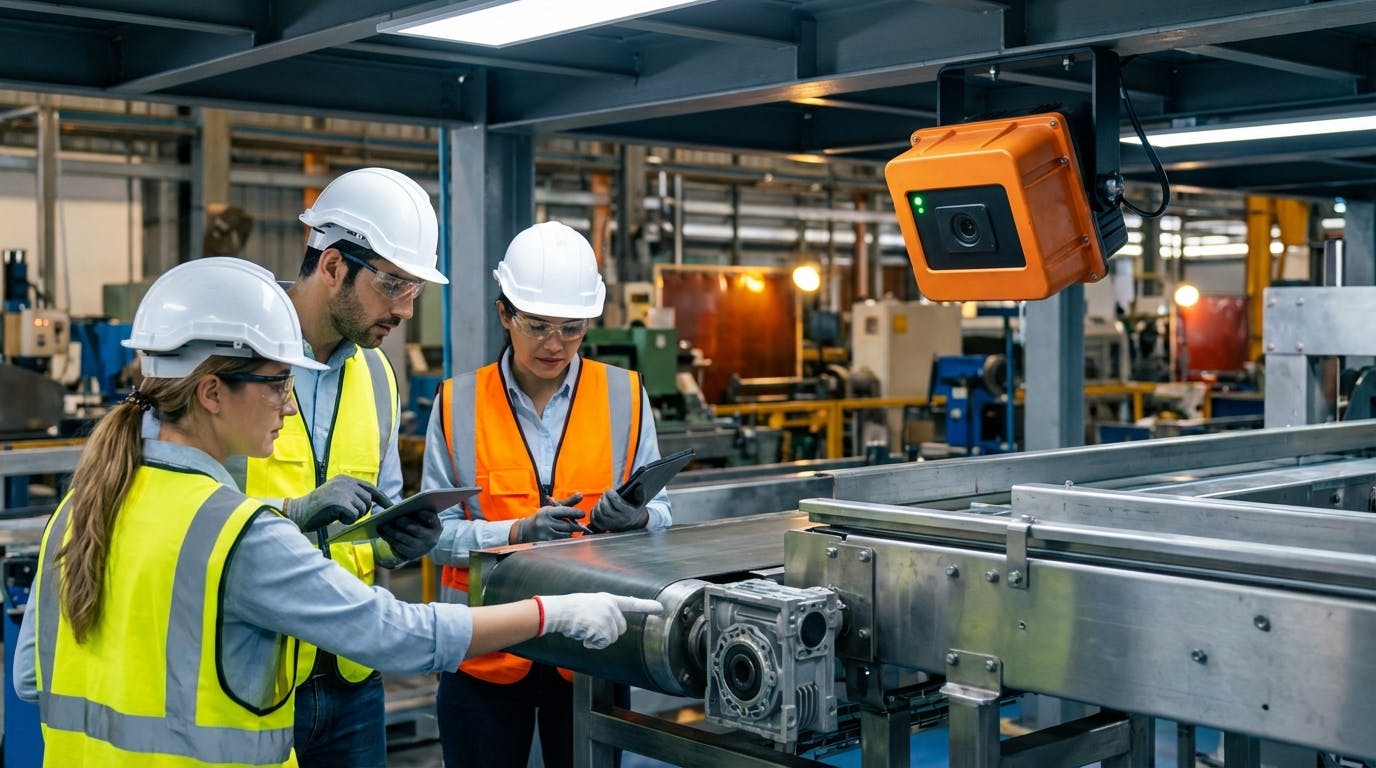
If you are a Reliability Engineer or a Plant Manager in 2026, you likely have a specific problem: You have too many assets to inspect manually, and your existing sensor data (vibration, temperature) doesn't tell the whole story. You are likely asking: "How can computer vision actually replace or augment my current maintenance inspections to prevent downtime, without creating a flood of false alarms?"
The answer lies in shifting your perspective. Computer vision maintenance is not just about installing cameras; it is about deploying an "Always-On Super-Technician."
Unlike a human inspector who rounds every shift (or every week), a computer vision system inspects critical assets 30 times per second. It doesn't get tired, it doesn't suffer from change blindness, and it can see across spectrums (thermal, infrared) that humans cannot. However, the real value isn't in the seeing—it's in the interpreting and the acting.
In this comprehensive guide, we will move past the buzzwords of "Artificial Intelligence" to look at the practical, architectural, and financial realities of implementing computer vision in an industrial maintenance strategy.
1. The Core Capability: What Can the "Always-On Inspector" Actually See?
The first follow-up question most reliability professionals ask is: "My vibration sensors catch bearing faults. What does computer vision catch that I'm currently missing?"
Computer vision fills the "sensory gap" between hard telemetry (vibration/SCADA data) and human intuition. While a vibration sensor can tell you a bearing is failing, it cannot tell you why external factors might be accelerating that failure.
The Four Pillars of Visual Anomaly Detection
To understand where to apply this technology, we categorize capabilities into four distinct pillars:
A. Analog Gauge Digitization
Despite the push for IIoT, millions of legacy machines still rely on analog pressure gauges, fluid level tubes, and dial indicators. Retrofitting these with digital transducers is often cost-prohibitive due to downtime and wiring requirements.
- The Vision Solution: A camera trained on the gauge reads the needle position, converts the angle to a digital value, and transmits it to your central system via MQTT.
- The Benchmark: Modern algorithms can read an analog gauge with >99.5% accuracy, even with slight vibrations or angle changes.
B. Thermal & Spectral Analysis
Standard cameras see light; maintenance cameras must see heat. By integrating thermal imaging, computer vision systems detect:
- Electrical hotspots: Loose connections in breaker panels before they arc.
- Insulation breakdown: Heat signatures on pipes or vessels indicating refractory failure.
- Friction: Overheating gearboxes that haven't yet triggered a vibration alarm.
C. Leak and Spill Detection
Liquid leaks are notoriously difficult for standard sensors to catch unless the volume is massive.
- The Vision Solution: Models trained on the specific refractive properties of fluids (oil, water, steam) can identify a puddle forming on a concrete floor or a steam plume venting from a valve.
- The Threshold: Advanced systems can detect a leak as small as 50ml within a defined region of interest (ROI) in under 10 seconds.
D. PPE and Safety Compliance
Beyond asset health, computer vision is the primary driver for EHS (Environment, Health, and Safety) automation.
- The Application: Detecting if personnel entering a hazardous zone are wearing hard hats, high-vis vests, and safety glasses.
- The Integration: If a safety breach is detected, the system can log the event or even trigger an audible warning on the shop floor.
By layering these visual inputs with your existing AI predictive maintenance strategies, you create a holistic view of asset health that neither sensors nor humans could achieve alone.
2. Architecture: Edge AI vs. Cloud Processing
The next logical question is technical: "How do I handle the bandwidth? I can't stream 4K video from 50 cameras to the cloud 24/7."
This is the most common misconception about computer vision maintenance. In 2026, the standard architecture is Edge AI.
The "Process at the Edge" Model
You do not stream video; you stream insights.
- The Camera (The Edge): A smart camera or a camera connected to an edge gateway (like an NVIDIA Jetson or industrial PC) captures the video feed.
- Local Inference: The AI model runs locally on the device. It analyzes the frames in real-time.
- Metadata Transmission: The device only sends data when an anomaly is detected or at set reporting intervals.
- Scenario: A camera watching a conveyor belt processes 1TB of video per month locally. However, it only sends a 5KB JSON packet to the cloud when it detects a belt misalignment, perhaps accompanied by a single snapshot image for verification.
Bandwidth and Latency Trade-offs
| Feature | Cloud Processing | Edge Processing |
|---|---|---|
| Bandwidth Usage | High (Continuous video upload) | Low (Metadata & snapshots only) |
| Latency | High (Seconds to minutes) | Low (Milliseconds) |
| Privacy/Security | Data leaves the premise | Data stays local |
| Cost | High (Data transfer & storage) | Moderate (Higher upfront hardware cost) |
For critical machinery where milliseconds matter—such as high-speed packaging lines—Edge AI is the only viable option. For slower processes, like monitoring tank levels, cloud processing might be acceptable, but Edge is still preferred to reduce strain on the facility's network.
For more on managing these assets and their data connectivity, refer to our guide on asset management.
3. Integration: From "Seeing" to "Fixing"
A camera detecting a fault is useless if the information sits in a database that no one checks. The pressing question here is: "How do I integrate this with my maintenance workflow so my team actually reacts?"
Computer vision must be a tributary that feeds into your Computerized Maintenance Management System (CMMS). It should not be a standalone dashboard.
The Automated Workflow
Here is what a mature integration looks like in practice:
- Detection: The computer vision model detects a "Class A" anomaly (e.g., a safety guard is open while the machine is running).
- Validation: The system captures a 5-second video clip and a high-res image of the event.
- Trigger: The Edge gateway sends an API request to your CMMS software.
- Work Order Generation: The CMMS automatically generates a high-priority corrective work order.
- Title: "Safety Guard Breach - Line 4"
- Attachment: The image of the open guard.
- Assignment: Automatically routed to the shift supervisor.
- Closure: Once the technician closes the guard and updates the work order, the camera verifies the guard is closed and logs the resolution time.
The "Human-in-the-Loop" (HITL) Phase
When you first deploy these systems, you cannot trust them blindly. You need a HITL phase.
- Weeks 1-4: The camera detects anomalies but does not generate work orders. Instead, it sends alerts to a "Review Queue." A reliability engineer reviews the images.
- True Positive: "Yes, that is a leak." -> Tag as valid.
- False Positive: "No, that is a shadow from the forklift." -> Tag as invalid.
- Week 5+: The model is retrained on this user feedback. Once accuracy exceeds 95%, you enable automated work order software generation.
4. Real-World Use Cases: Where to Start?
You might be thinking, "This sounds great, but where should I apply it first to get the quickest win?"
Do not try to monitor everything. Focus on "Bad Actors"—assets with high failure rates or those in hazardous locations.
Use Case 1: Conveyor Belt Monitoring
Conveyors are the arteries of manufacturing. A tear or misalignment can shut down a whole facility.
- The Setup: Cameras mounted overhead at transfer points.
- The Detection: Edge detection algorithms measure the distance from the belt edge to the frame. If the delta exceeds 2 inches, it signals a tracking issue.
- The ROI: Preventing a 4-hour tear-related shutdown pays for the camera system in a single event.
- Deep Dive: Predictive Maintenance for Conveyors
Use Case 2: Remote Pump Inspection
Pumps are often located in basements or remote pump houses.
- The Setup: A camera aimed at the pump seal and coupling.
- The Detection: Visual identification of dripping fluid (seal failure) and high-frequency vibration analysis via video magnification (identifying looseness).
- The Benefit: Reduces the need for technicians to physically walk to remote locations, allowing them to focus on preventive maintenance procedures elsewhere.
- Deep Dive: Predictive Maintenance for Pumps
Use Case 3: Overhead Crane Cable Inspection
Inspecting crane cables for fraying is dangerous and slow.
- The Setup: High-zoom cameras mounted on the crane trolley.
- The Detection: As the cable spools, the vision system looks for "fishhooks" (broken wire strands) using anomaly detection models.
- The Standard: Adheres to ISO 4309 standards for wire rope discard criteria automatically.
5. The Hidden Challenges: Why Projects Fail
We must be honest about the hurdles. "What are the common pitfalls that cause these projects to stall?"
A. The Lighting Variable
Computer vision is effectively "counting photons." If the lighting changes, the data changes.
- The Problem: A model trained in the afternoon might fail during the night shift because the artificial lighting creates different shadows.
- The Fix: Control the environment. Use industrial enclosures with integrated LED illumination (strobing) to ensure every frame has identical lighting conditions, regardless of the time of day. Alternatively, use IR (Infrared) cameras which are less dependent on ambient visible light.
B. The "Dirty Lens" Factor
Industrial environments are dusty, oily, and wet.
- The Problem: Oil mist accumulates on the lens, blurring the image and causing false negatives.
- The Fix:
- Hardware: Use air knives (compressed air curtains) over the lens housing to blow dust away continuously.
- Software: Implement "Lens Occlusion Detection." The AI should be able to tell you, "I can't see clearly, come clean me," generating a low-priority maintenance task.
C. Data Starvation
AI needs examples of failures to recognize them.
- The Problem: Your machines are reliable (hopefully). You might not have 500 images of a "broken bearing" to train the model.
- The Fix: Use Synthetic Data. In 2026, we use Generative AI to create photorealistic images of defects (rust, cracks, leaks) to train models before the actual failure ever occurs. This is often referred to as "One-Shot" or "Few-Shot" learning.
For a deeper understanding of reliability standards and failure modes, resources like ReliabilityWeb and the IEEE Standards Association provide excellent frameworks for defining what constitutes a "failure" in your context.
6. Cost and ROI: Is It Worth It?
Finally, the CFO will ask: "How much does this cost, and when do we break even?"
The Cost Structure
- Hardware: Industrial smart cameras range from $800 to $3,000 per unit depending on resolution and onboard processing power.
- Software/Licensing: Usually a per-camera SaaS fee for the management platform ($50-$150/month).
- Installation: Cabling (Power over Ethernet) and mounting.
The ROI Calculation
To calculate ROI, you must quantify the cost of the "Invisible."
$$ \text{ROI} = \frac{(\text{Downtime Avoided} \times \text{Hourly Cost}) + (\text{Manual Inspection Hours Saved} \times \text{Labor Rate})}{\text{Total System Cost}} $$
Example Scenario: A food processing plant installs a $5,000 vision system to monitor a critical labeler.
- Avoided Downtime: The system catches a label jam early, preventing a 2-hour stoppage once a month. (2 hours x $5,000/hr = $10,000/month savings).
- Labor Savings: Eliminates the need for a technician to stand by the line for 4 hours a day. (4 hours x $30/hr x 20 days = $2,400/month savings).
- Payback Period: Less than 2 weeks.
When integrated with predictive maintenance software, these savings compound by extending the useful life of the asset itself.
7. The Future: Generative AI and Autonomous Maintenance
As we look toward the latter half of the decade, computer vision maintenance is evolving into Autonomous Maintenance.
We are moving from detection to prediction to prescription.
- Today: The camera sees a leak.
- Tomorrow: The camera sees a leak, estimates the flow rate, calculates the remaining time until critical failure, orders the replacement seal from inventory management, and schedules the technician for the optimal downtime window.
Conclusion: Start Small, Scale Fast
Computer vision is no longer science fiction; it is a mature, ruggedized tool for the modern reliability engineer. However, success does not come from buying the most expensive camera. It comes from:
- Identifying a specific, high-value pain point.
- Ensuring consistent lighting and environment.
- Integrating the data directly into your CMMS workflow.
Don't let your maintenance team rely on guesswork. Give them the eyes of a Super-Technician.
